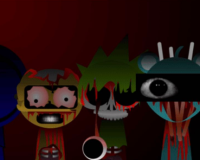
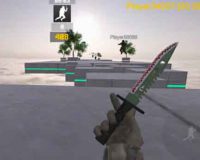
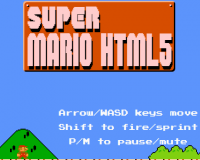
The project known as Win32run is built around the idea of launching classic Windows-style applications directly in a browser environment. Instead of focusing on visual imitation alone, it aims to reproduce how old Win32 programs behave when executed. The experience starts immediately, without downloads or complex setup, which makes it accessible even for users who are not familiar with emulators or virtual machines.
Execution Model And Environment
At its core, Win32run simulates how legacy Windows applications interact with the operating system. The interface resembles a minimal desktop or execution layer rather than a full OS clone. Programs load inside a controlled environment where windows, buttons, and dialogs respond in a way similar to native Windows behavior. The emphasis is placed on running applications rather than recreating every visual detail of the system shell.
Supported Features And Behavior
In the middle of the experience, users can interact with a limited but functional set of elements that define how Win32run works:
- Launching classic Windows executables
- Displaying application windows with standard controls
- Handling mouse and keyboard input
- Running lightweight utilities and demos
- Managing simple file interactions
These features are designed to demonstrate compatibility rather than full performance. The system prioritizes stability and accessibility over speed or accuracy at the kernel level.
Practical Use And Audience
Win32run is often used by developers, researchers, and enthusiasts who want to test or demonstrate legacy software without setting up a full virtual machine. It can also be useful for educational purposes, especially when explaining how older Windows applications were structured. Because everything runs in a browser, it lowers the barrier for experimentation and makes sharing projects much easier.
Limitations And General Evaluation
Despite its functionality, Win32run does not replace a real Windows environment. Complex software, hardware-dependent programs, and advanced system calls are outside its scope. The project focuses on controlled execution rather than full compatibility. Even with these limits, it provides a clear and structured way to explore classic Windows software behavior. For users interested in retro computing or software preservation, it serves as a practical and easy-to-access solution.
































































Advertisement